

From Design to Delivery - Seamlessly Connected
Extract
The process of retrieving data from SOLIDWORKS (e.g., BOMs, part numbers, custom properties, drawings) and transferring it to an external system like ERP.
Transfer
Moving the extracted data from SOLIDWORKS to the ERP system, ensuring the information is available for further processing or analysis within the ERP environment.

Synchronize
Ensuring that both the SOLIDWORKS and ERP systems are aligned, with any updates or changes in one system automatically reflected in the other to maintain consistency.
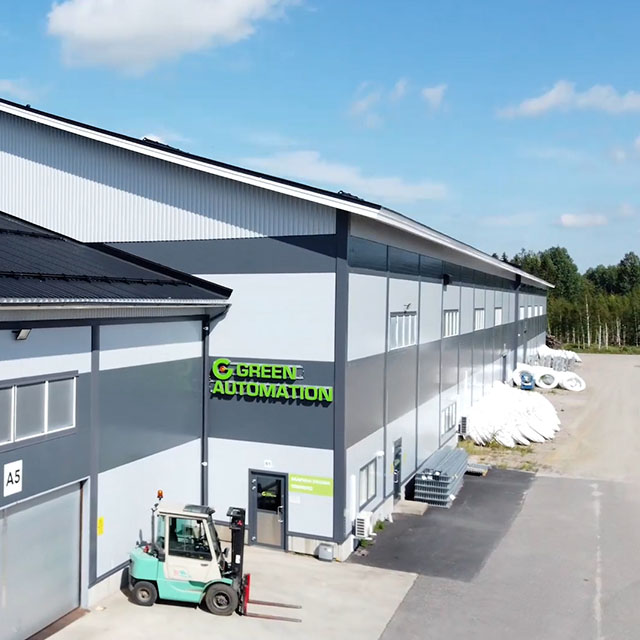
Monitor G5 Integration Unleashed Efficiency
Green Automation, a Finnish company specializing in automated growing systems, adopted the Monitor G5 ERP system and sought a seamless integration with SOLIDWORKS.
Given their long-standing relationship with ATR CustomTools, they chose to leverage its built-in features for communication between SOLIDWORKS and Monitor G5. Additionally, ATR CustomTools team helped Green Automation with custom features tailored to their needs.

SOLIDWORKS Odoo Integration
ATR CustomTools connects SOLIDWORKS and SOLIDWORKS PDM with Odoo ERP. Our integration allows you to automate the transfer of data to create and update Products and Bill of Materials (BOMs). It can also be configured to match your company’s processes.

SOLIDWORKS Business Central Integration
ATR CustomTools integrates SOLIDWORKS and SOLIDWORKS PDM with Business Central ERP. This connection enables the automatic transfer of data, facilitating the creation and updating of Products and Bill of Materials (BOMs). Additionally, it can be tailored to align with your company’s specific workflows.

“ATR CustomTools is in key role when we transfer our designed products to the purchase and production”Tero LaaksoProduct Manager, Green Automation

Contact Us
If you have any questions, we’re here to help.
Simply fill out our contact form and we’ll get back to you within one business day. Alternatively, you can book a meeting.